Kamis, 24 Maret 2016

Types of Computer Keyboard and Functions

A. Types of Computer Keyboard Physical
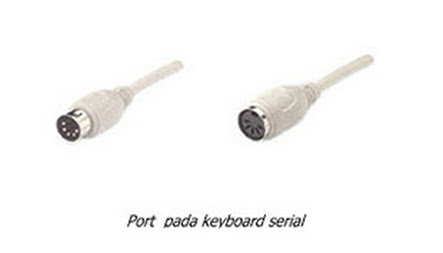
 1. Serial Keyboard: use the AT type computer

    
Serial keyboard
Keyboard Serial

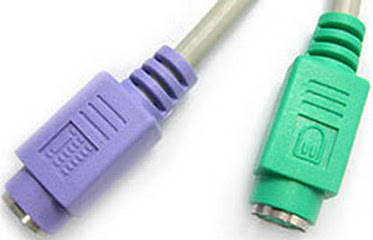
  2. PS / 2 Keyboard: use the computer ATX

    
Keyboard PS / 2
Keyboard PS/2

3. Wireless Keyboard: used on all types of computers and laptops

    
Wireless keyboard
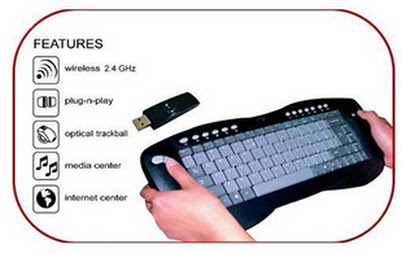
Keyboard Wireless

4. USB Keyboard: To ensure faster data transfer

    
USB keyboard
Keyboard USB
B. Type Keyboard Computer Using Forms and Buttons

    
1. QWERTY Keyboard: found by Scholes, Glidden and Soule in 1878, and the QWERTY keyboard function is used as a standard commercial typewriter in 1905.
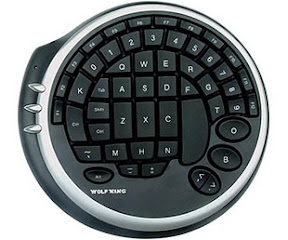
Keyboard QWERTY

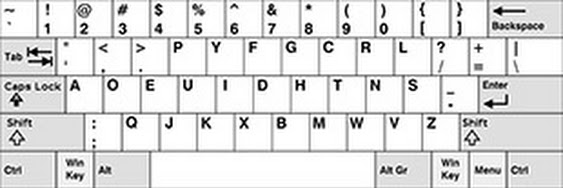
2. Dvorak Keyboard: discovered in 1932 by 10-15% more efficiently designed than the QWERTY keyboard

Keyboard DVORAK

3. KLOCKENBERG Keyboard: The keyboard is made with the intention enhance existing keyboard types, namely by separating the two halves of the keyboard (left and right).
Keyboard KLOCKENBERG

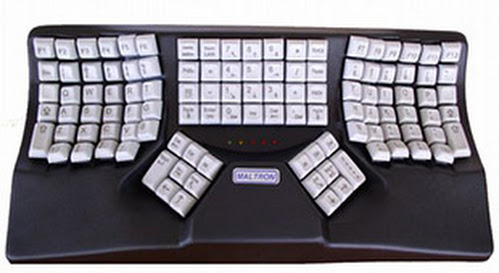
 4. Maltron Keyboard: This keyboard is made slightly concave to the inside. Considering that at the time the fingers are positioned to be typing, the fingers that are guaranteed not to form a straight line

Keyboard Maltron

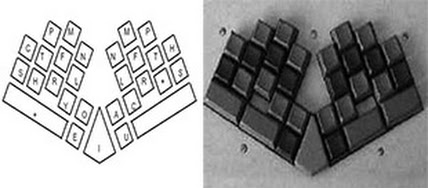
 5. Chord Keyboard: This keyboard has only a few buttons between 4 to 5. To enter the letters have to press multiple keys simultaneously. The size is compact, very suitable for portable applications

Keyboard Chord

6. Keyboard Alphabetik: alphabetik keyboard are arranged exactly like the layout of the QWERTY and Dvorak, but the arrangement of the letters in sequence as in alphabetical order

Keyboard Alphabetik - pusber.com

  7. Numeric Keyboard: Keyboard aims to enter numbers in large numbers

Keyboard Numeric
C. Computer Keyboard Key Functions
  •         Back Space: to delete one character to the left of the cursor
  •         Caps Lock: to make lowercase to uppercase or Kapital
  •         Delete: to erase one character at the cursor position
  •         Esc: to cancel an order from a menu
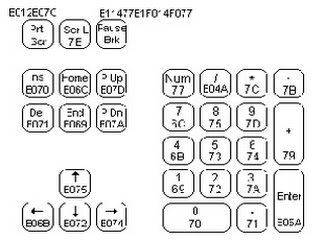
  •         End: to move the cursor to the end of the line / page / worksheets
  •         Enter: to move to a new line, or to perform a process command
  •         Home: To go to the beginning of the line or to the left corner of the screen
  •         Insert: to insert a character
  •         Page Up: to meggerakan cursor one screen to the top
  •         Page Down: Move the cursor to one screen down
  •         Tab: to move the cursor to the right one tabulation
  •         Numeric Key: provides command toggle numeric keypad functions
  •         Function Key: tombil consists of F1 s / d F12. The function of this button varies depending on  the computer program used
  •         Special Function Key: This key consists of Ctrl, Shift, and Alt. Button will have functions when pressed simultaneously with other buttons

0 komentar:

Posting Komentar